
upti.my

One Connected Reliability Stack

Monitoring for the Failures Behind Your Product

Catch broken workflows, failed cron jobs, incidents, and downtime before customers notice, with monitoring, alerts, status pages, and self-healing in one place.

Built for SaaS teams that run APIs, background workers, and customer-facing workflows with real on-call responsibility.

No credit card required. 14-day free trial.

8 check types + Heartbeats

in one platform

Auto status updates

on public status pages

15s checks

from 6+ regions

How the response flow works
One signal connects detection, alerting, incidents, and status updates.
  1. 1

    A monitor detects an issue early

    Uptime, cron, and synthetic checks catch failures before customer reports pile up.

  2. 2

    Alerts reach the right people fast

    Routing and escalation rules cut delay and reduce alert noise.

  3. 3

    Incident context is created automatically

    Timeline, ownership, and linked signals are ready without manual triage.

  4. 4

    Status communication stays in sync

    Customers get accurate updates while your team focuses on recovery.

  5. 5

    Self-healing actions can run automatically

    Known recovery steps can trigger immediately and log back to the incident timeline.

Why Teams Consolidate Tooling

Fragmented tooling turns one incident into four disconnected workflows

Separate tools create separate realities. Alerts lose context, cron and background failures go unnoticed, and status communication becomes manual when speed matters most.

The result is slower response, more coordination overhead, and less trust in what is actually happening.

Separate realities

Monitoring, paging, incident notes, and customer updates live in different systems.

Alerts lose context

On-call gets pinged without enough linked history to make fast decisions.

Workflow blind spots

Cron and background-worker failures stay silent until customer-facing effects appear.

Manual status updates

During incidents, teams switch from restoration work to writing repetitive customer updates.

Best Fit Teams

Teams that own production reliability and need detection, response, and customer updates in one operating workflow.

SaaS teams with cron jobs and background workers

Catch missed runs, stalled workers, and delayed pipelines before customers feel the impact.

Teams monitoring customer-facing flows

Validate signup, checkout, and auth journeys, not only endpoint availability.

Teams that run incidents and status communication together

Keep internal response and external updates aligned without cross-tool handoffs.

Not Just Uptime Monitoring

Monitoring, alert routing, incidents, status pages, and self-healing in one connected system

upti.my handles the full reliability workflow. One failure signal should not force your team to stitch together multiple tools and rebuild context every time.

  • Catch uptime, cron, workflow, and customer-flow failures from the same workspace.
  • Route alerts and escalations with incident context already attached.
  • Keep incident timelines and status updates synchronized while recovery is in progress.
  • Trigger self-healing actions and log every recovery step in shared context.

Shared context flow

One signal automatically updates the whole incident workflow.

Monitor detects failure

Uptime, cron, or synthetic check fails.

Alert workflow runs

Routing and escalation notify the right responders.

Incident context opens

Timeline, ownership, and linked checks are created automatically.

Status page stays synced

Customer communication updates from the same incident workflow.

Self-healing actions log back

Automated recovery attempts are recorded in the same timeline.

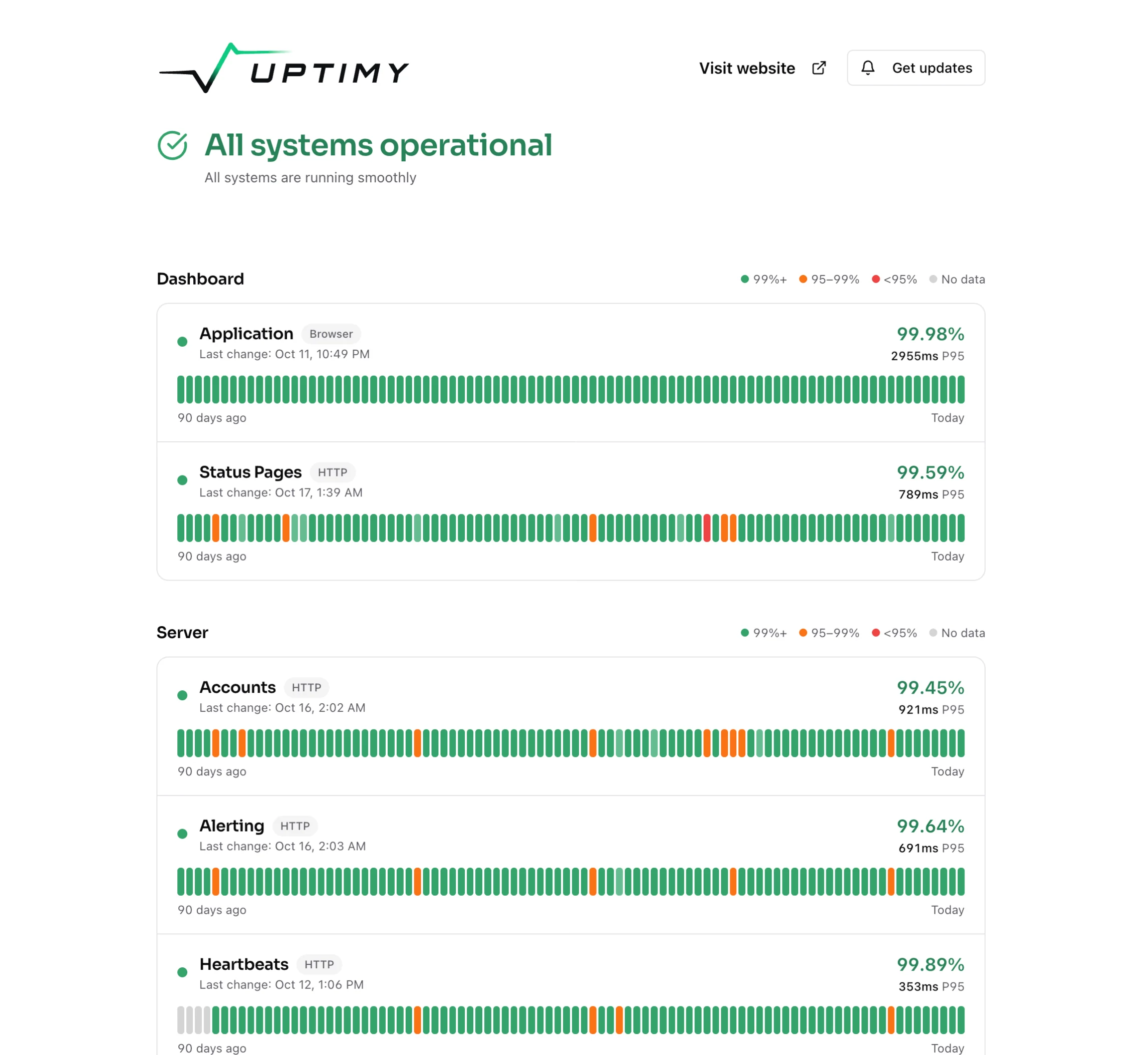
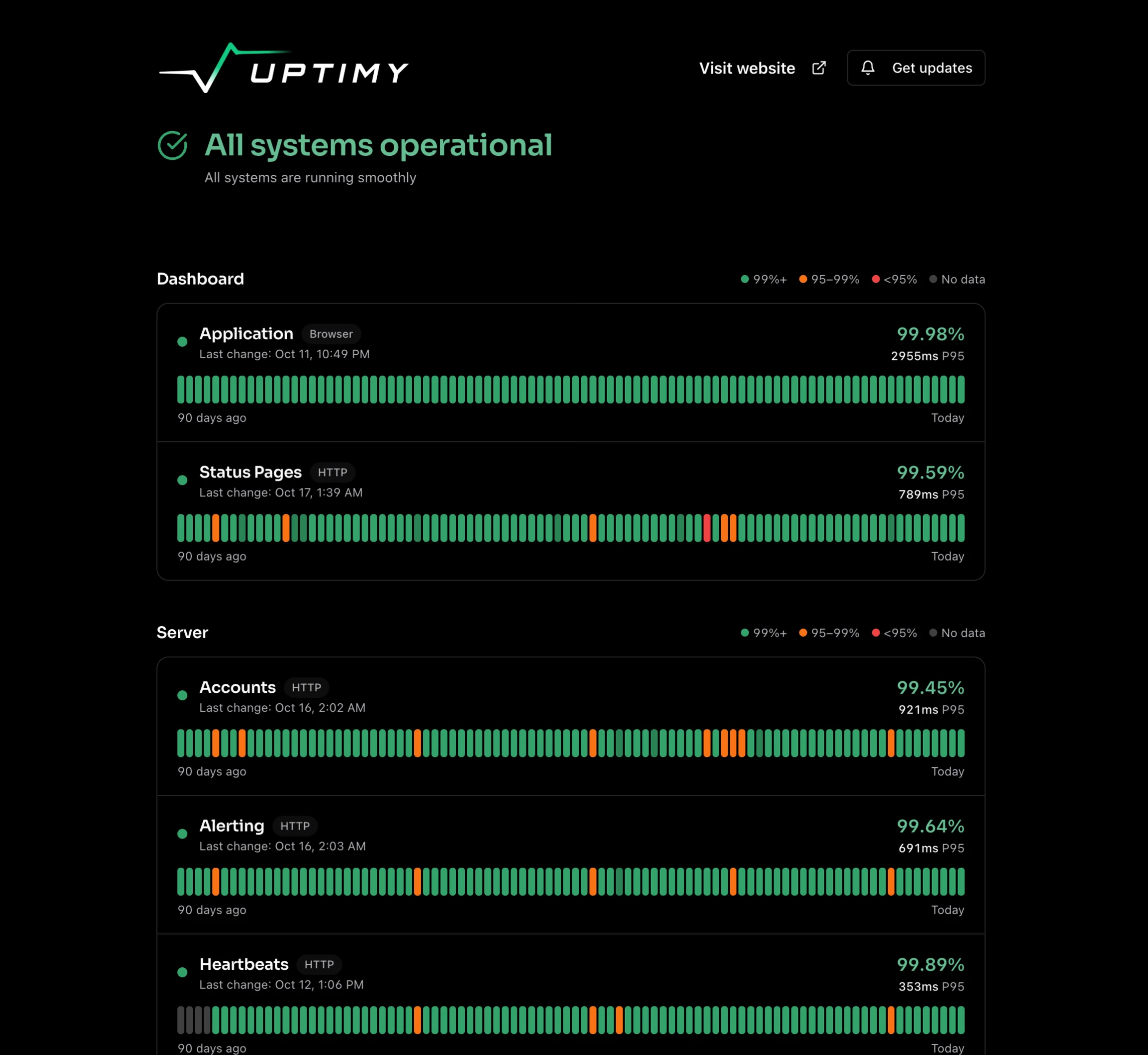
See this flow in the live product demo

Open demo dashboard

Coverage built around real failure modes

Each area maps to a specific operational risk so teams can see what is caught, why it matters, and what action they can take.

Uptime Monitoring

Catches

API outages, endpoint regressions, and infrastructure reachability failures.

Why It Matters

Fast detection reduces customer impact and shortens mean time to acknowledge.

You Get

Multi-region checks with clear failure history and incident-ready signals.

Learn more
Cron & Heartbeat Monitoring

Catches

Missed, delayed, or failed cron jobs and background workers.

Why It Matters

Workflow failures are often silent until data is stale or customer actions break.

You Get

Heartbeat-based checks, missed-run alerts, and linked incident context.

Learn more
Synthetic Journey Monitoring

Catches

Checkout, signup, auth, and other multi-step user-flow failures that uptime misses.

Why It Matters

A healthy API does not guarantee that real customer journeys still work.

You Get

Playwright checks for critical paths with failures routed into incidents.

Learn more
Incident Management

Catches

Coordination gaps during active incidents and post-incident follow-through.

Why It Matters

Without a shared timeline, handoffs are slow and decisions are hard to audit.

You Get

Auto-created incidents with ownership, timeline events, and recovery history.

Learn more
Status Pages

Catches

Manual and delayed incident communication to customers or internal teams.

Why It Matters

Silence during incidents increases inbound support load and erodes trust.

You Get

Public and private status pages with incident-linked update workflows.

Learn more
Alerting Workflows & Self-Healing

Catches

Alert noise, missed escalations, and repetitive manual recovery steps.

Why It Matters

Teams lose time when alerts are noisy and remediation starts from scratch.

You Get

Routing rules, escalations, and automated recovery actions in the same flow.

Learn more

Why Teams Choose upti.my

One reliability workflow without enterprise complexity

Built for teams that need operational clarity in production and want fewer handoffs during incident response.

One incident context end to end

The same failure signal drives alerting, incident timeline, and status communication.

Workflow and cron failures get first-class treatment

Background jobs and customer flows are monitored with the same urgency as HTTP endpoints.

Faster response with fewer coordination hops

Routing, automation, and synced communication reduce repetitive incident operations work.

8 check types + Heartbeats

HTTP, TCP, DNS, SSL, gRPC, GraphQL, Ping, Playwright, plus Heartbeats

15s minimum interval

Fast checks for production-critical services

6+ regions

Distributed checks reduce single-region blind spots

Auto status sync

Incident and customer communication stay aligned

Pricing

Start with the coverage you need now and scale without changing your reliability workflow.

Monthly billingYearly billing
Yearly includes 1 month free
MonitoringAlert routingIncident managementStatus pages
Free 14-day trial
Starter
For solo developers and small projects
9
per month

Key limits

Services10
Healthchecks/mo750k
Check interval60s
Self-healing agents1
View full limits
Synthetic checks/mo10k
Workflow executions5k
Log retention30 days
Public status pages1

Includes

  • Unlimited private status pages
  • Vendor-branded public page
  • Incident management
  • Basic alerting
  • Unlimited team members
No credit card requiredSign up for free
Most Popular
Growth
For startups and small teams
39
per month

Key limits

Services50
Healthchecks/mo25M
Check interval30s
Self-healing agents5
View full limits
Synthetic checks/mo20k
Workflow executions50k
Log retention90 days
Public status pages2

Includes

  • Unlimited private status pages
  • Incident management
  • Advanced alerting
  • Custom domain name
  • White-label status page
  • Unlimited team members
Scale
For production SaaS and agencies
99
per month

Key limits

Services100
Healthchecks/mo100M
Check interval15s
Self-healing agents25
View full limits
Synthetic checks/mo50k
Workflow executions250k
Log retention90 days
Public status pages5

Includes

  • Unlimited private status pages
  • Unlimited incidents
  • Advanced alerting
  • SLA reporting
  • Priority support
  • Custom domain name
  • White-label status page
  • Unlimited team members
Enterprise
For advanced requirements
Custom
Tailored to your needs

Key limits

WorkspacesUnlimited
ServicesUnlimited
Self-healing agentsCustom
Workflow executionsCustom
View full limits
Log retentionCustom
Public status pagesUnlimited

Includes

  • SSO integration
  • Custom SLAs
  • Dedicated support
  • Full white-label
  • Custom domain name
  • Unlimited team members

Need procurement, security, or custom limits?

Talk with our team about enterprise requirements, onboarding, and plan design for your reliability goals.

Frequently Asked Questions

Direct answers for teams deciding whether to replace fragmented reliability tooling.

Separate tools create disconnected handoffs right when time matters most. upti.my keeps monitor signals, alert routing, incidents, and status communication in one workflow so responders are not rebuilding context during outages.

Basic uptime checks only answer whether an endpoint responds. upti.my also tracks cron jobs, background workflows, synthetic customer journeys, incident coordination, and status updates so teams can catch failures behind the product.

Yes. Heartbeat and workflow monitoring are built for scheduled tasks, workers, and background pipelines that fail silently. Teams get missed-run, delayed-run, and failure visibility tied to the same incident flow.

For many teams, yes. Incidents, routing, and status communication are built in, so you can consolidate gradually instead of maintaining separate systems for each step.

Engineering-led SaaS teams with APIs, cron jobs, background workers, and customer-facing workflows. It is a strong fit for lean teams that own on-call and need detection-to-update continuity without enterprise process overhead.

Self-healing actions can run automatically when configured conditions fail. Each action is logged in the same incident context so teams can see what ran, what worked, and what still needs manual intervention.

Close The Reliability Loop

Detect failures, coordinate incidents, and publish status updates from one system.

Start your free trial, connect your first monitor, and run your first incident workflow in minutes.